

• Skip to primary navigation
  • Skip to main content
  • Skip to footer
Code the Dream
Code the Dream Labs Logo

Code the Dream

At Code the Dream, we envision a world in which tech innovation comes from all of us and benefits all of us.

  • Learn
    • Our Code School
    • Courses
    • Application
    • CTD Info Sessions
    • Practicum Showcase
    • Apprenticeship
  • Volunteer
    • Volunteer Opportunities
    • Become a Volunteer
    • Alumni Network
  • Hire
    • Employer Partnerships
    • Tandem Apprenticeship
    • Become an Employer Partner
  • About
    • About Code the Dream
    • Mission, Vision, and Values
    • Meet the Team
    • Board of Directors
    • News
    • Job Opportunities
    • Contact Us
  • CTD Labs
  • Donate
  • Build With Us
    • Mobile Apps
    • Web Apps
    • Websites
    • Design
    • Build With Us
  • Our Work
    • Portfolio
    • Apps for Nonprofit Use
  • About CTD Labs
  • Code the Dream Home

Search Code the Dream

Pre-work Resources

Welcome to the Pre-work Resources page. Here you’ll find everything you need to complete your pre-work assignment, the most important part of our application process.

Before you start: Haven’t applied yet? Apply at codethedream.org/apply first. You’ll get an email with the Pre-work Instructions link right after. Questions, or need to switch classes? Email admissions@codethedream.org.

Why do we ask you to complete a pre-work assignment?


Intro applicants:

  • Experience what it’s like learning in an asynchronous environment, and decide if this is the right learning environment for you.
  • The knowledge you’ll gain from this pre-work assignment ensures us you are prepared for the difficulty level of this class, which will cover topics from the pre-work (and much more) in depth.

Advanced applicants:

  • This assignment will prove your readiness for our advanced classes by showing your Github and API capabilities.

Pre-work Requirements

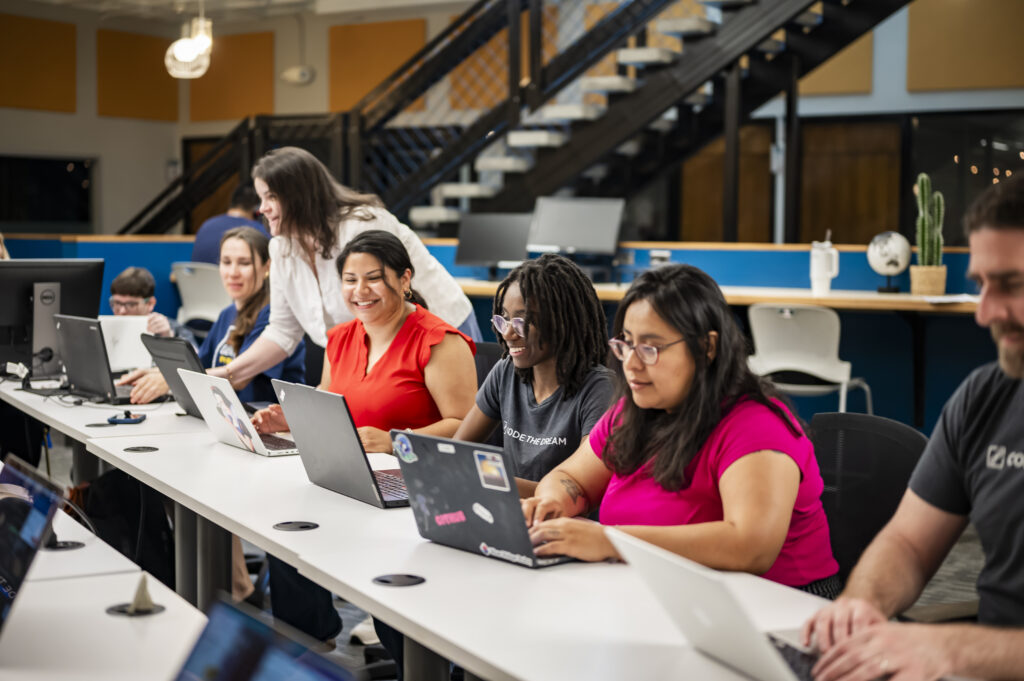
Find all the instructions you need for your pre-work. Whether you’re an Intro or Advanced applicant, we’ve broken down the essential tasks step by step.

Javascript Intro

Pre-Work instructions for all classes we offer can be found here.  Below are the pre-work requirements for the Javascript Intro class.

Javascript Intro Instructions
React.js

Pre-Work instructions for all classes we offer can be found here.  Below are the pre-work requirements for the React.js class.

React.js Instructions
Python Intro

Pre-Work instructions for all classes we offer can be found here.  Below are the pre-work requirements for the Python Intro class.

On the online editor, include:

  • At least two variables using different data types (for example: a string and a number).
  • A print statement that uses both variables.
  • A conditional (an if/elif/else statement) that changes what gets printed based on a value.
  • A short comment explaining what your Python script does.

On the google spreadsheet, include:

  • A formula to the blank Year Average High field to calculate the average high temperature of each city.
  • A chart visualizing at least one finding from the data.
  • The completed yellow highlighted cells
Python Intro Pre-work Instructions
Python for Data Analysis

Pre-Work instructions for all classes we offer can be found here.  Below are the pre-work requirements for the Python for Data Analysis class.

Make sure to review the rubric, and provide a Github repository containing:

  • main.py and any supporting modules
  • Requirements.txt
  • README.md describing what your tools do, which API you used, and how to run it
Python for Data Analysis Pre-work Instructions

Pre-Work Examples

Check out some of the awesome pre-work assignments submitted by previous Javascript Intro applicants! Even if you have no coding experience, soon you’ll be able to create fun animations too.

Check the example below for a sample python script

# TODO: write a comment explaining what this script does

item_price = 1.60   # a number

item_name = “hot dog”  # a string

# TODO: add a print statement that uses both variables above

# TODO: add a conditional that checks item_price and prints something different depending on the value

https://github.com/reidrussom/ctd-prework

Information & Support Sessions

CTD Info Sessions

Learn more about Code the Dream’s classes and program model. 

Register Here for an upcoming Info Session

Watch Past CTD Info Session Recording


Pre-work Support Sessions

Learn more about the pre-work assignment and hear what questions other applicants had.

Python Intro Support Session Recording (7/9/26)

Python for Data Analysis Support Session Recording (7/9/26)

Javascript Intro Support Session Recording (5/4/26) 

React.js Support Session Recording (5/4/26)


Time Saving Tips for the Pre-work Assignment

Intro Tips

  • We can’t see your Khan Academy or W3 Schools progress, so feel free to skip around on videos and challenges as you please. If you’ve already got the concept, skip it. The important thing is knowing how to add the pre-work requirements to your coding sample.
  • Javascript Intro: Coming up with the pre-work project you’ll create can be intimidating and challenging. Good news! You can copy a concept, and your exact code from Khan Academy for your assignment. Make sure all requirements are added to your coding sample, and you’ll be done.
  • Javascript Intro: If the code you may copy from Khan Academy, or a function you use from Khan Academy doesn’t work the same in p5.js, please refer to this reference page that will show you how to correct it.
  •  Work on your coding sample alongside the Khan Academy tutorials so you won’t forget concepts as you move through lessons. 
  • While you can’t save your progress when answering questions in the submissions form, we advise that you answer those questions in a separate document, then copy and paste them over to the form when ready.


Advanced Tips

  • Work in small increments to make sure your code is working properly, it’s easier to find and fix something in a small section of code you changed recently rather than having to review all the lines of code you’ve written for the whole project.
  • Start with basics and just make sure your API is working and showing the data as intended – you can play with the styling and make it pretty/flashy once you know it’s functioning properly
  •  It’s easy to feel overwhelmed with options when picking out one of the APIs – glance through the documentation and go with the one that you understand the best.  It’ll make digging in the docs for answers quicker/less painful

Resources for Understanding Pre-work Requirements

Intro Resources

  • Functions: https://www.w3schools.com/js/js_functions.asp
  • Loops: https://www.w3schools.com/js/js_loop_for.asp or https://www.w3schools.com/js/js_loop_while.asp (but there are also 2 other kinds of loops – these are just the most common)
  • Conditional: https://www.w3schools.com/js/js_if_else.asp
  • Variables: https://www.w3schools.com/js/js_variables.asp
  • Print statement: https://www.w3schools.com/python/ref_func_print.asp

Advanced Resources

  • API resources:
    • General info: https://www.w3schools.com/js/js_api_intro.asp
    • API Fetch: https://www.w3schools.com/js/js_api_fetch.asp
    • Video explaining APIs: https://www.youtube.com/watch?v=Yzx7ihtCGBs 
  • JavaScript Syntax DevDocs: https://developer.mozilla.org/en-US/docs/Web/JavaScript
  • JSON Objects:
    • General info: https://www.w3schools.com/js/js_json_intro.asp
    • Syntax: https://www.w3schools.com/js/js_json_syntax.asp 
    • Parsing a JSON Object: https://www.w3schools.com/js/js_json_parse.asp  


Frequently Asked Questions about CTD’s Pre-work

 Below you’ll find answers to frequently asked questions about Code the Dream’s Pre-work process and about our program as a whole. If your question can’t be found below, please email admissions@codethedream.org and we’ll be happy to assist you.
Please refer to codethedream.org/apply to learn what the pre-work deadline is for your selected term.

While you don’t need to submit anything to us from Khan Academy, it’s still a unit you should review, especially if you have minimal coding knowledge. This unit will teach you what you need to know to write, and submit your coding sample.

We look only at your application information and the pre-work assignment you submit when we determine acceptance into our program. Khan Academy is to give you the tools to complete the assignment only. We can not see your progress on Khan Academy as you work through it.

You can only apply to one class per term, so please complete the assignment that matches your course selection (e.g. Intro class -> Intro pre-work)

While most submit their assignment in Vanilla js, you can submit your assignment in React.

  • For the prework, we compare your work against the requirements list and use a point system.  Therefore, meeting the requirements is the key to being accepted.
  • For the apprenticeship, please review these pages to learn more about the requirements and process:
    • https://codethedream.org/apprenticeship/
    • https://codethedream.org/apprenticeship-requirements/ 

If you demonstrate basic coding knowledge, you will be asked to join the intro class.

CTD Program Q&As

Yes, all of our class tools have CC, and group mentor sessions are held on Zoom so you can use the CC feature here.

We do have group mentor sessions which serve as classes, but we do operate on a flipped classroom model. This means you should read through lesson materials on your own regardless of whether or not you’ve attended a live group session for the week. We also offer 1:1 mentoring sessions to ensure you understand the weekly lessons.

Yes, they are either current or retired developers, or recent bootcamp grads.

Unfortunately no because of the amount of work that goes into processing and preparing students for the course.

Our classes are intensive, and they are designed for you to be a competitive candidate for tech roles. They can be challenging for some, but luckily, we have dedicated mentors, instructors, and a student success coordinator who are dedicated to ensuring you understand the materials!

Let CTD know that you won’t be able to attend the orientation and look out for the recording. For assignments, let your mentor and CIL know.

Pass/Fail. Mentors return assignments to students with suggested improvements, students then resubmit their assignments. 

Finishing the intro final project counts as an application for advanced. Moreover, you won’t have to complete another application and prework assignment once you’ve been accepted into our program.

Everyone!

Calendly clones, Dog adoption apps, Apartment finder app, etc.

90% of our apprenticeship graduates have gotten full time jobs.

$30-$35k

  • Intro: The Odin Project and Scrimba
  • Advanced: textbook, FreeCodeCamp, CodingAddict, and more
  • During practicum (after the advanced class), you will receive two weeks of career development (mock interviews, resume prep, etc). This will prepare you for interviews with the soft skills you’ll learn, and the tech skills you’ve learned throughout our classes. 
  • For apprentices, we offer 2 months of in-depth career development.

Footer

Code the Dream logo

Copyright © 2026 Code the Dream | All Rights Reserved | Privacy Policy